The Machinery:
Light, Pixels, Signal.
The numbers under the magic: what the audience's eye can actually see, how to read a projector spec sheet without being sold to, how brightness survives a lit venue, how canvases divide into channels, where projectors can physically live, how arrays stay aligned, and how the picture is fed and kept in step. Everything in this part can be worked at a desk with the configurator and the planner before any money moves.
The Audience's Eye Does the Specifying
Before any argument about projector counts, settle where the audience stands, because the human eye is the instrument every number in this trade is calibrated against. The eye resolves detail down to roughly one arcminute of visual angle. Convert that through the geometry of your venue and you get the only resolution figure that matters: the pixel size the audience can actually see.
Pixel size on the object is arithmetic: image width divided by horizontal pixels. It grows startlingly fast at architectural scale.
Against that, the eye: at one arcminute, a viewer resolves about one millimeter of detail per 3.4 meters of distance. A 10 mm pixel therefore vanishes at around 34 meters and is visible texture at 15. For a façade watched from across a plaza, HD pixels two centimeters wide are genuinely invisible and the money for 4K may be better spent on brightness. For an immersive hall where the nearest visitor stands three meters from the image, the same arithmetic demands fine pitch and more channels, and there is no way to charm past it. Run the sum for your nearest realistic viewer and let it make the resolution decision; it is a two-line calculation that regularly saves five figures.
One arcminute is the working figure, though the eye is really several instruments with different limits, and three of them explain daily facts of this trade.
Read the bottom rows carefully, because they are the trade's whole quality standard in two numbers. Vernier acuity, the ability to see that two lines do not quite meet, is roughly six times finer than pixel-level vision. An audience that cannot resolve a single pixel of your canvas will still see, instantly and without knowing why, that a line bends where two projectors blend or that an edge in the content misses an edge in the architecture. You cannot out-resolve a misalignment; you can only align. Stereo acuity, equally fine, is why the real depth of a mapped object lands so much harder than any rendered depth on a flat screen: the audience's two eyes verify the geometry themselves. And letter acuity, five times coarser than point acuity, is why text is always the first thing to die on a distant or floor-bound surface; type needs to be drawn far larger than "visible" suggests.
The eye also changes instruments with the light. Bright vision runs on the retina's cones, which read color and detail. As light falls, the rod cells take over: far more sensitive, but blind to color and concentrated away from the center of gaze. Dark scenes therefore read as near-monochrome to an adapted audience, whose sensitivity to faint luminance, including your black floor's faults, has meanwhile risen dramatically. Dark-adapted eyes are the most demanding instrument that will ever inspect your blacks, which connects directly to the threshold design in part two and to the surface physics underneath this whole site.
Two refinements worth carrying. First, moving pictures are forgiving: an audience following a story reads motion and color long before it reads pixel structure, which is why resolution is the most oversold number in the industry. Second, cameras revoke all of that forgiveness. A broadcast camera or a phone zoomed on a detail crops into the image and magnifies the pitch, and fine structure no eye would catch becomes visible moiré on the footage. If the show is being filmed, and every show is now filmed, judge the pitch through the tightest lens that will be pointed at it. The same logic applies to brightness, and it is the reason the light chapter keeps mentioning cameras.
The Projector, Honestly Assessed
A large-venue projector spec sheet runs to two pages, and perhaps six lines of it decide whether your project works. This chapter is how to read those lines the way a technical director does, with the salesmanship filtered out. (The single-image optics, what a lumen is, why on/off contrast sets the leak, live in the field guide's projector chapter; this one is the mapping-specific reading.)
Native Resolution, the Imager's Own Number
The pixel count the imaging chip physically lays down, which is not always the highest signal the machine accepts. Plenty of projectors take a 4K input and display it on an HD-class imager. Legitimate products, but for canvas arithmetic only the imager counts, because the imager is what lands on the surface. Confirm the native figure and carry it into the pixels chapter.
Three Lumen Numbers, One Machine
One datasheet can honestly quote center lumens, ANSI lumens and ISO lumens for the same projector, several percent apart, because the measurement standards differ (center measures the brightest point; ANSI and ISO average points across the image, under slightly different rules). Compare machines on the same standard or the comparison is fiction. Then apply the working suspicion: figures are for a fresh machine in a clean laboratory, and check what the eco and long-life modes trade away, because brightness against light-source lifetime is a real dial and the headline number is the loudest setting.
The Light Source Decides More Than Brightness
- Lamp. Rated at its first hour and fading continuously from there; a lamp machine well into its life is simply not the projector on the datasheet. Still met in existing venue stock; if you are specifying against one, find out its hours before trusting anything.
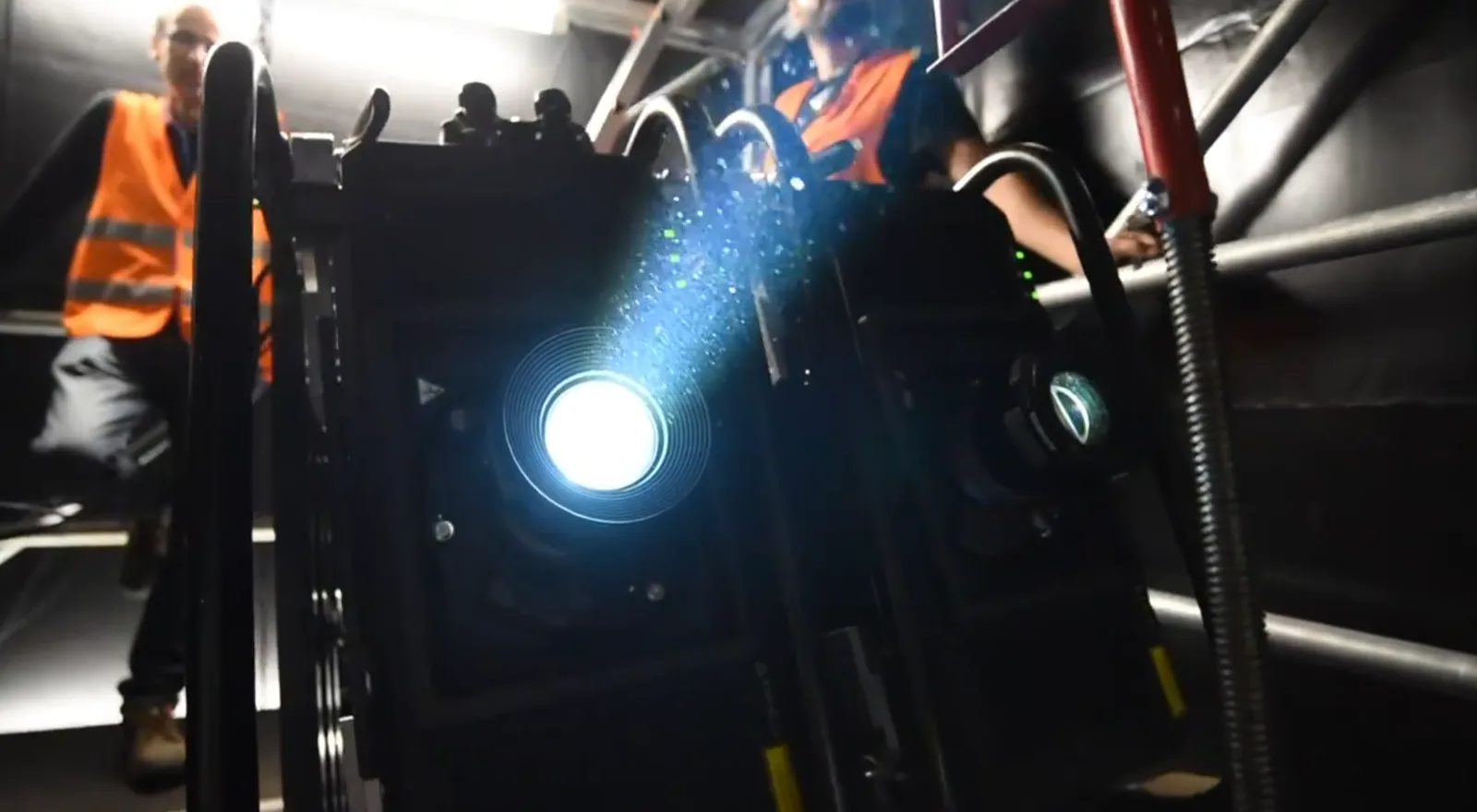
- Laser phosphor. The industry workhorse: a blue laser bank driving a phosphor element. Holds close to its rating for tens of thousands of hours (typically specified as hours to half brightness), dims electronically for dark scenes, tolerates any mounting orientation, and starts instantly. For permanent attractions its slow, predictable decay is an operations line item rather than a surprise.
- RGB (pure) laser. Discrete red, green and blue lasers: the top of the market in brightness ceilings and in color, with a gamut far beyond phosphor machines, which visibly survives ambient light better. The premium buys the flagship façade shows and the largest domes. One footnote: coherent light can produce speckle, a faint glitter on some surfaces, and manufacturers and screen makers both engineer against it; judge it on a demo, on the actual surface.
On/Off Contrast Sets Your Leak
The one projector specification that changes your black floor: full white over full black, natively, with no dynamic iris or laser dimming flattering the number. Dynamic figures are measured on a full black frame, a shot that appears in almost no real content; the moment one lantern appears in a night scene, the system opens up and the native figure is what you live with. Imager technologies differ here by an order of magnitude, and in the dark venues of this industry, the leak is often the dominant term in the black floor. Ask for the native sequential figure in writing.
The Fittings That Decide Real Projects
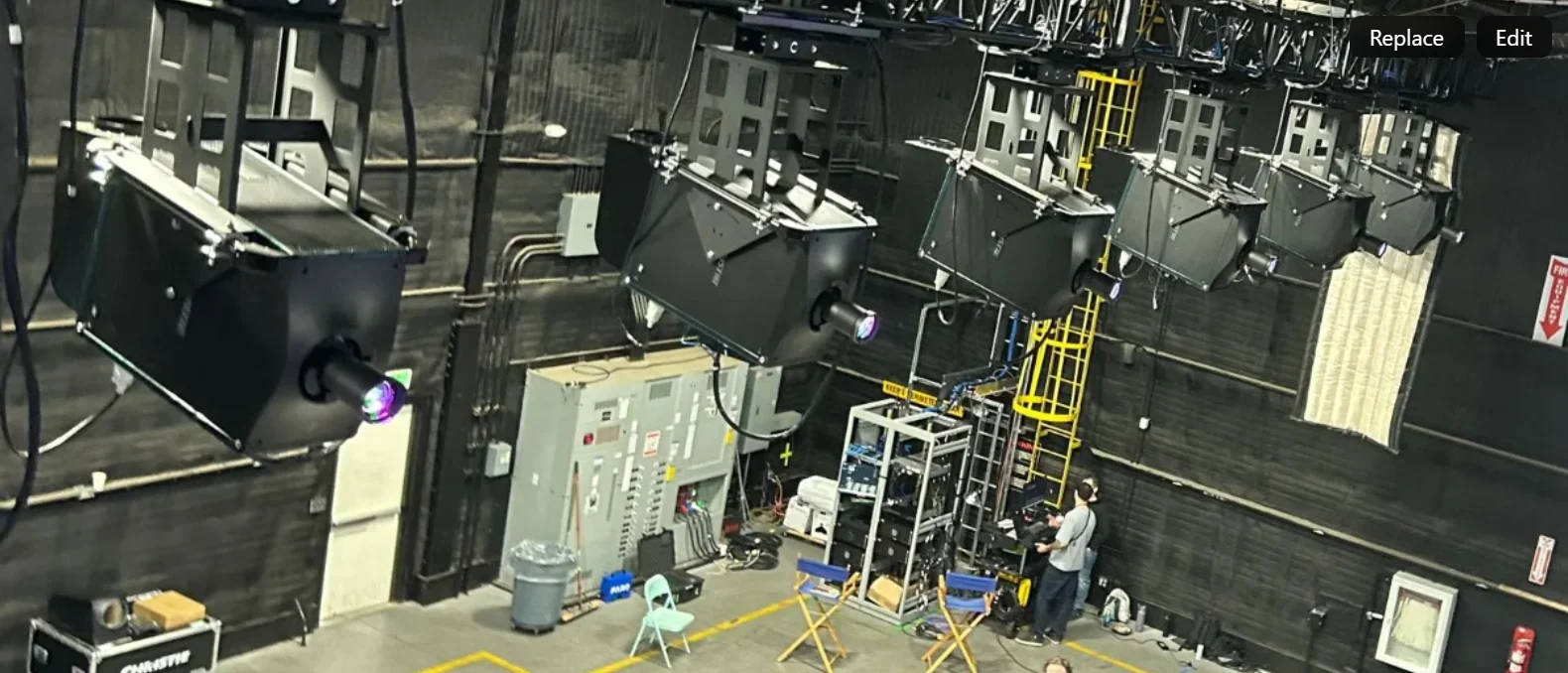
Beyond the four headline numbers, the spec-sheet lines that separate a machine that fits your project from one that fights it: the lens family (a serious platform offers glass from ultra-short throw below 0.4 to telephoto past 11, with motorised shift, zoom, focus and, critically for multi-show venues, lens memory that recalls positions); shift range (whole image-heights of vertical shift on good machines, the placement chapter explains why that is gold); embedded warp and blend (fine mesh warping and edge blending computed in the projector itself, which lightens the playback system and, in distributed rigs, eliminates a box per channel); orientation freedom (laser machines mount at any angle, which mapping rigs exploit constantly); inputs (the transport menu of the network chapter: SDI, HDBaseT, fiber, and option slots that take AVoIP or playback modules directly); and mass and noise, which decide rigging cost and whether the machine can live inside a quiet venue at all. Compact, rugged chassis design is shipping, rigging labor and truss load, and it compounds across a seventy-projector show.
All of it, as ever, is a system decision: the projector is chosen with the surface, the ambient light and the geometry together, which is what the configurator and the planner are for.
Light Against the Night
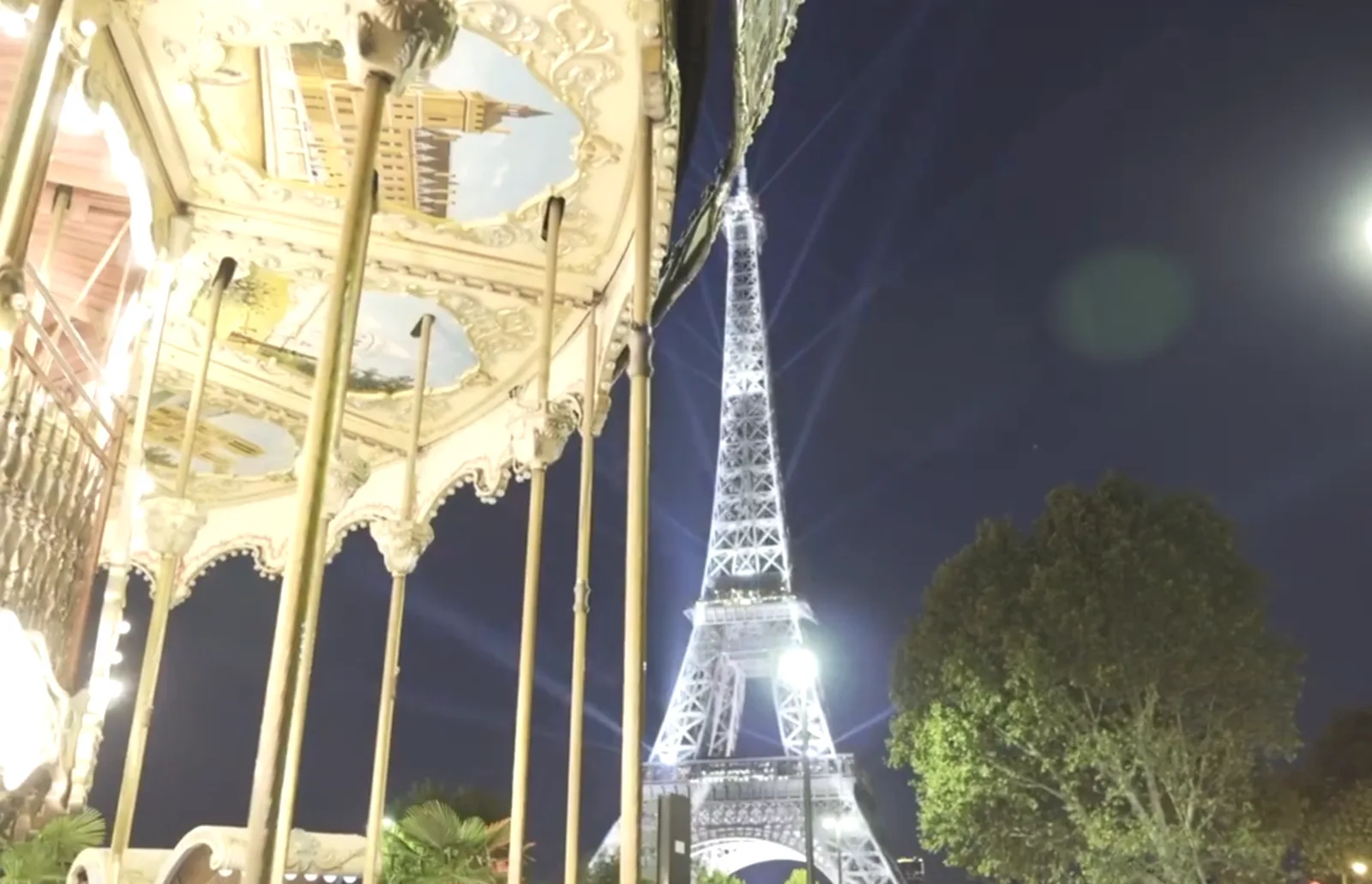
Ask how many lumens a mapping needs and honest practitioners give a range so wide it sounds like evasion: illuminance on the object from around 10 lux for a dark site to 300 lux and beyond where the environment fights back or cameras are involved. The range is honest because the requirement is a property of the contest between your light and everyone else's rather than of the projector alone.
The datasheet contrast of a projector is measured in a black laboratory: full white divided by full black, nothing else in the frame. On site, ambient light lands on the object and adds itself to both terms. The real on-object contrast is white-plus-ambient over black-plus-ambient, and as the ambient term grows it drags the ratio toward one, which is a mathematician's way of saying the picture disappears. You cannot buy your way out of the denominator with lumens alone; the ambient term sits in both halves of the fraction. You win by raising white where it is affordable, and by lowering what the surface gives back of everything else, which is the entire argument for a dark canvas and for the unglamorous work of turning off the venue's own lights.
- Measure at the object, at showtime. A lux meter held flat against the surface, facing out, on a comparable night. Streetlights, retail frontage, passing traffic, the venue's own architectural lighting: the reading collects them all, and it is the number every calculation downstream stands on. A figure measured at the mixing desk, or at 3 pm, is decoration.
- Negotiate the light you can. The cheapest lumens on any project are the ones you switch off: the façade floodlights on a timer, the digital billboard across the street, the lobby spill. A producer with a phone number for the city's lighting department is worth more than a brighter projector.
- Indoors, the enemy is the show itself. In a wrapped venue, part two's self-bounce is the dominant ambient source, and it scales with how bright the content runs. A grade that lets scenes breathe dark is a contrast strategy, not just an aesthetic one.
- Cameras want more. A picture that delights standing viewers can still read thin on a sensor. If broadcast or serious social capture is a goal, that is a brightness requirement, decided in the budget, never discovered on the night.
- Brightness and size are one decision. Lumens spread over area. Every meter the image grows, the light thins by the square. The arithmetic and its consequences fill the field guide's fourth chapter; here it is enough to say that "could we make it a bit bigger" is always a brightness question wearing a costume.
Color deserves its own paragraph, because it is a chain and every link can drop it. Content is authored in a specific color space; the server and the projector must both speak that space, or the grade the artists signed off is quietly replaced by an approximation. Wide-gamut machines (RGB laser at the top of the market) hold saturation noticeably better as ambient light rises, which is a real reason to specify them beyond the brochure. A found canvas adds its own tint, warm stone ambers the picture, concrete cools it, and the content grade has to pay that back. And in any array, the machines must be white-balanced to each other, at the factory or on site, because the eye forgives a global color cast completely and forgives a color step at a blend line never.
For built canvases, this contest is exactly what the configurator simulates: your projector, your image size, your measured ambient light, and each surface grade, with the on-screen result computed rather than asserted. Ten minutes in it will teach the ambient-light lesson more convincingly than any paragraph, because you will watch the black floor eat the picture yourself, and then watch a darker grade hand it back.
Pixels by the Yard
A projected experience is specified as a canvas resolution: the total pixel field the content is authored at, wrapped over the object or around the venue. A long riverside façade might be 19,200 by 2,400 pixels; a wrapped hall runs higher still once four walls and a floor are counted. No projector makes that picture. The canvas is divided into channels, one per projector, and the division is a genuine design decision: 19,200 wide could be five 4K machines or ten HD machines, and the two rigs differ in cost, rigging, blend count and failure behaviour.
Three things complicate the tidy arithmetic:
- Blend zones spend pixels. Where neighbouring projectors overlap, both paint the same physical area, and the overlap is bought out of each machine's resolution. A 20% blend means every interior channel donates a fifth of its width. Count the canvas in net pixels after overlap, or the content team will author for a canvas that does not exist.
- "4K" is three different numbers. ProAV 4K at 16:10 is 3840 × 2400. Broadcast UHD is 3840 × 2160. Cinema DCI is 4096 × 2160. Across ten channels the differences compound into whole missing columns of picture, so write the exact pixel counts into the spec and never the shorthand.
- The chain must match end to end. A 4K canvas needs 4K content, 4K playback, 4K signal transport and 4K storage, and each link is priced separately. A single HD bottleneck quietly downgrades everything upstream of it, and you keep paying 4K prices for HD pictures.
The perennial question is fewer big projectors against more small ones. Fewer machines mean fewer blends, less rigging, less alignment to maintain, and usually a lower total cost for the same light; one large channel also fails more gracefully in the plan (there is less to knock out of alignment) and less gracefully in the show (losing it loses more picture). More small machines fit tighter positions, dodge more architecture and tour in smaller cases. There is no universal answer; there is a best answer per venue, and it falls out of the placement work in the next chapter. What never changes: blending buys brightness and coverage, never resolution. Inside an overlap the pixels land on top of each other, and the canvas density is set by the geometry, a point argued fully in the field guide.
Placing the Machines
Everything in the last three chapters was arithmetic. This chapter is geometry, and it is where projects are actually won. A projector position must satisfy, simultaneously: the throw its lens can serve, a sightline no audience member or performer will cross, structure that can carry it, power, network, technician access, and, outdoors, shelter. Positions that satisfy all of that are scarce, and the good ones go early to whoever surveyed first. In an immersive venue the problem doubles, because the projectors must also be invisible, or at least ignorable, from inside the picture they are painting: recessed, hidden behind AT surfaces, or hung where no scene ever asks the audience to look.
Throw, and the Lens Family
Throw ratio is distance to the surface divided by image width. A 1.5 throw lens filling a 20 m façade sits 30 m back, which is the far side of the street; an 0.8 lens does it from 16 m, which might be the near pavement. Serious projectors take interchangeable lenses running from ultra-short (under 0.4) to very long (11+), and the lens is chosen after the position, never before. Long throws from a distant tower keep equipment out of the crowd and flatten the beam's angle of attack; short throws tuck machines close, which immersive venues love and which multiplies, quietly, every geometric error. One further optical fact for deep objects: a lens focuses at one distance, and a mapped structure can be tens of meters deep, more than the depth of field wants to cover. On steep, deep geometry the lens and position are sometimes chosen by focus rather than by throw, so the sharp zone lands where the detail lives.
Shift Before Warp
Optical lens shift moves the image without tilting the projector, keeping pixels square and light losslessly on target; good machines shift by whole image-heights vertically. When the position forces a tilt or an offset beyond what shift covers, the image lands as a trapezoid and must be pre-distorted back, which is warping. Modern projectors warp onboard, up to fine control meshes, and media servers warp with even more freedom. Warping is what makes mapping possible at all, so use it proudly, but know its price: warped pixels are resampled and stretched pixels, and heavy correction softens fine detail. The discipline is always shift first, geometry second, warp last, and the less warp the plan needs, the sharper the show.
Sightlines and Shadows
The beam is part of the venue design. It must clear the crowd (heads cast shadows measured in meters at façade scale), clear the performers unless blinding them is intended, clear trees that will leaf out between survey and show, and clear the positions where every camera wants to stand, which are, by a law of nature, exactly on your beam axis. Indoors, add the visitors themselves: a wrapped space with free-roaming guests wants steep beam angles and overlapping coverage, so a body near a wall dents the picture instead of deleting it. Draw the beams in three dimensions, with the audience volume blocked in, before anything is rigged.
The projection planner is a 3D venue in a browser: place surfaces, place projectors, pick real lens families, and watch throw, shift envelopes, coverage, pixel size and beam paths update live, with warnings when a shift runs out or an orientation wastes the panel. It will not conduct the site survey for you, but it converts the survey's measurements into a defensible plan in an afternoon, and the plan prints. The planner manual covers every control.
Outdoors, Additionally
Projectors want free airflow: cool air in the front, hot air out the back, never recirculated. An outdoor enclosure is a small building with those manners plus optical-grade glass in the window, stable power, temperature and humidity management (altitude belongs on the checklist too; thin air cools less and derates the machine), and enough floor rating to carry the stack, with anti-static flooring and dressed wiring inside. Wind load governs anything flown. And access: the enclosure will be visited at 2 am in the rain by a technician with a case of tools, and designs that forget this get remembered unkindly.
Many Projectors, One Picture
Almost every project in this handbook is an array. The fundamentals of blending and stacking, the complementary ramp curves, why the dimmer machine governs a shared band, what stacking buys and what it leaks, are covered rigorously in the field guide's fifth chapter, and none of it changes here. What mapping and immersive work add is dimension and drift.
Dimension: on a three-dimensional object, a blend zone is not a neat vertical band. It follows the geometry, wrapping mouldings and disappearing around curves, and each projector meets the surface at its own angle, so the two halves of one blend can have different pixel sizes and different brightness falloff across the same band. The blend curves have to be authored against the 3D model, which is another reason the scan in part two's canvas chapter is not optional. In domes and wrapped volumes the blends curve in two axes at once, and hand-aligning them is a career.
Drift: a rig heats up, a building's steel expands through the evening, a truss settles, and pixel-perfect alignment from Tuesday is a millimeter out by Friday. At fine pitch a millimeter is the whole pixel. Permanent and long-running installations increasingly solve this with camera-based automatic alignment: a camera views the object, the system projects structured test patterns, computes the geometry against the model, and re-derives every projector's warp and blend in minutes, without markers on the object and without a specialist on a lift. For a touring show that must re-align in every city, or an attraction that must survive a year of climate cycles, automated alignment changes the operating cost arithmetic outright, and it is worth specifying from the start rather than retrofitting.
Redundancy deserves a paragraph of its own. A show that cannot go dark stacks its critical zones (two machines painting the same area, either sharing the load or with one shuttered hot spare) and feeds them along separate signal paths. It costs what it sounds like it costs, and for a ticketed attraction operating daily, or a one-night spectacular in front of a paying crowd, it is routinely the difference between an anecdote and a refund. Decide deliberately which zones earn it; usually the hero moments do and the ambient wings do not.
Feeding the Picture
Behind every projected experience is a playback system that must deliver each projector its exact slice of the canvas, every frame, in perfect step with its neighbours and with the audio and the lighting desk. The audience never sees this system working. They see it fail instantly: two channels a frame apart tear the image at the blend like wallpaper hung drunk.
The Media Server
The heart of the system is the media server: hardware and software that stores the content, slices it into channels, applies warp and blend (or hands that to the projectors), runs the show timeline, and takes control from whatever runs the venue, timecode from the audio desk, a lighting console, a show-control system, or a scheduled clock for a nightly loop. Serious servers compose in layers on a timeline, hold color pipelines deep enough for 10-bit content, and synchronise frame-accurately at any scale. This layer is also where the real-time engines live when the content is rendered live rather than played from disk: game-engine scenes that respond to sensors, generative systems, tracked performers. Pre-rendered playback remains the reliability benchmark; real-time buys responsiveness and pays for it in engineering, and mature shows mix the two, rendered spine, live garnish.
Two Architectures
How the server reaches the projectors is a real fork in the design, and it moves money, weight and setup days.
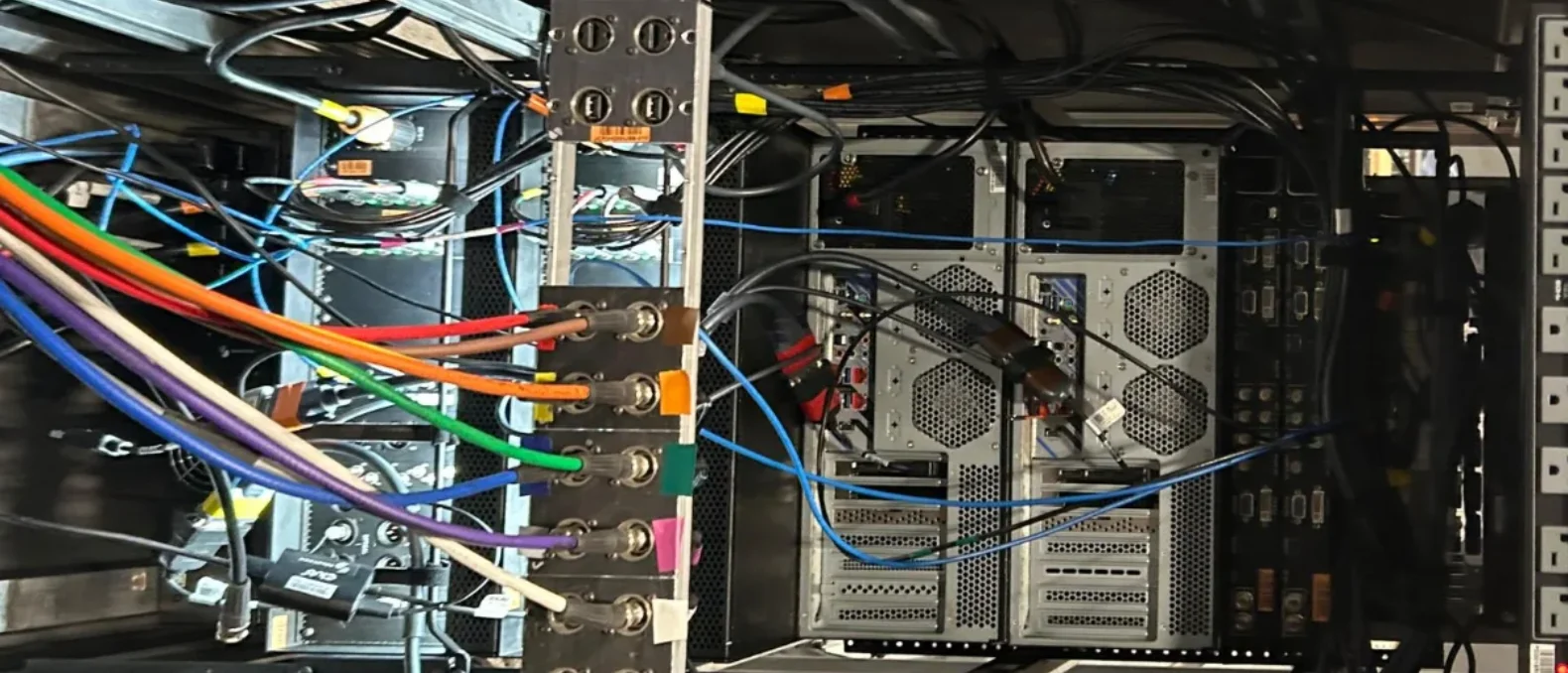
All processing in one hub: one place to service, natural frame sync at the source, and decades of proven practice. The price is the hub itself: dedicated space, cooling, extensive cabling, and bulk that tours badly.
Each projector carries a compact media engine in its option slot and pulls its channel over the network. No hub, a fraction of the cabling, faster load-ins, lower power draw, and unit-by-unit scaling. The projectors can be prepped and tested before they ever reach site.
The centralised model has run the industry for decades and still suits fixed installations with a proper control position. The distributed model, enabled by standardised compute modules that slot directly into projectors and displays, is winning touring and space-constrained work for blunt logistical reasons: less truck, fewer setup days, fewer specialist engineers on site, and integrators report project-level savings around a third on infrastructure and playback. Recent flagship immersive exhibitions have run seventy-projector, hundred-million-pixel canvases this way, and the sustainability arithmetic (tens of watts per playback node instead of hundreds, no climate-controlled server area) increasingly matters to the institutions commissioning the shows.
The hard problem distribution had to solve is synchronisation. Without a shared cable from one graphics card, every playback node needs an identical idea of now, to within a fraction of a frame. Network time protocols get the nodes close; the last stretch is closed by playback software that continuously compares each node's actual video timing and trims it, speeding one imperceptibly, slowing another, so the whole array breathes as one machine. It works, at any scale yet asked of it, and the audience-facing result is simple: no tearing at the blends, and phone footage that holds up, which matters because the footage is marketing.
None of this decides itself. The architecture follows the answers from part four's opening questions: fixed and monitored favours the hub, touring and cramped favours distribution, and hybrid rigs (a hub for the hero canvas, distributed nodes for satellite surfaces) are common and legitimate.
Signal, Network and Control
The least romantic chapter in the handbook, and the one whose failures cancel shows. Between the server and the lens sits a transport layer, and around the whole system sits a control layer, and both deserve deliberate design rather than whatever the integrator had on the shelf.
Getting the Signal There
The transports, in ascending order of reach: HDMI and DisplayPort are content-source connections, happy across a rack and unhappy across a venue. SDI, broadcast's coax standard, runs uncompressed HD and (as 12G) 4K over tens of meters of rugged cable and shrugs off connectors that would kill HDMI. HDBaseT puts video, ethernet and control down a single category cable for roughly 100 meters, which is why it lives in so many fixed installs. Fiber goes kilometers, ignores electrical interference and lightning-prone outdoor runs, and has become routine for façade work where the control position is a building away. AVoIP, video as network traffic through ordinary switches, is the direction of travel, and the distributed playback of the previous chapter is its logical conclusion: stop transporting video at all, and transport files and clock instead.
Two transport rules pay for themselves. Design the redundancy path with the same care as the primary (a stacked hero zone fed through the same switch is not redundant; it is two ways to fail at once). And keep the show network physically separate from the venue's corporate and guest networks, with boring, documented switches. Half of all mysterious playback glitches are somebody's phone update sharing a cable with the picture.
Making It All Agree
The control layer is the venue's nervous system, and its protocols are old, plain and reliable: timecode (the audio rig's clock, chased by playback, inherited from broadcast and touring), lighting protocols (DMX and its network descendants) so house light, stage light and projection act as one lighting design rather than three departments, OSC and similar messaging for sensors and interactive triggers, and a show controller above them all sequencing power-up, playback, doors and emergencies. The design test for the whole layer is the morning test: one button (or one schedule) brings the entire venue from cold to show-ready, in order, with no human remembering steps. If show-ready requires a knowledgeable person, the venue has a single point of failure with weekends off.
Watching It All
Fleet monitoring earns its keep from the tenth projector: dashboards reading every machine's temperatures, hours, error states and shutter status, email alerts before failures rather than after, remote firmware updates, and remote management interfaces that reach machines rigged twelve meters up. Modern compute platforms bring the IT department's remote-management tooling into the projection booth, which matters most for exactly the machines nobody can reach on a ladder. The operational cadence this enables, nightly health checks, scheduled recalibration, spares strategy, is part four's territory, but the capability is specified here, at purchase time, because it cannot be bolted on later.
The audience will never applaud the network. They will only ever notice it once, which is the design goal stated backwards.